dol
Markdown notes that sync themselves.
Version 1.4.3 · Windows 10+ · macOS 11+ · iOS 15+ · Android 7+ · Older versions
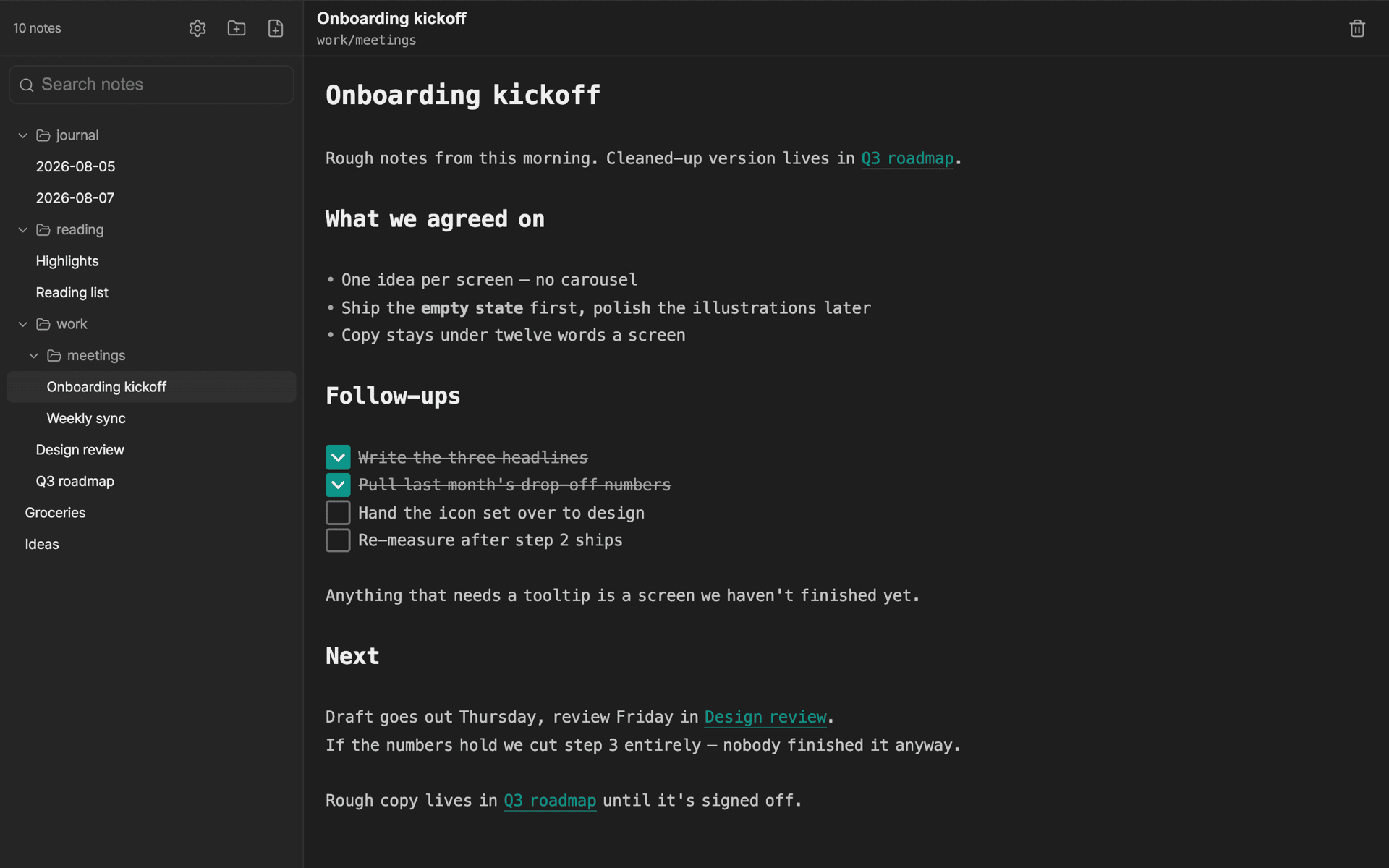
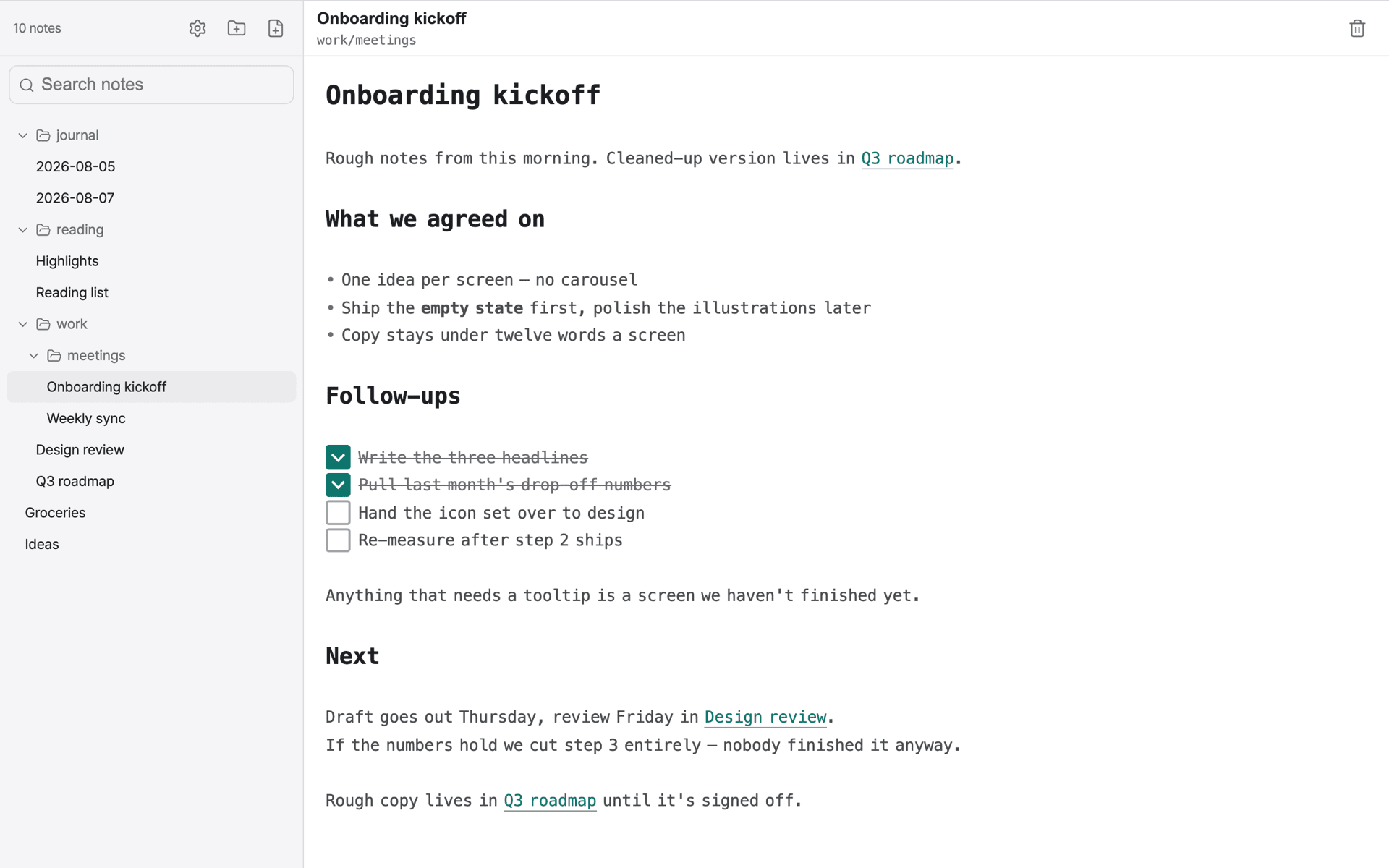
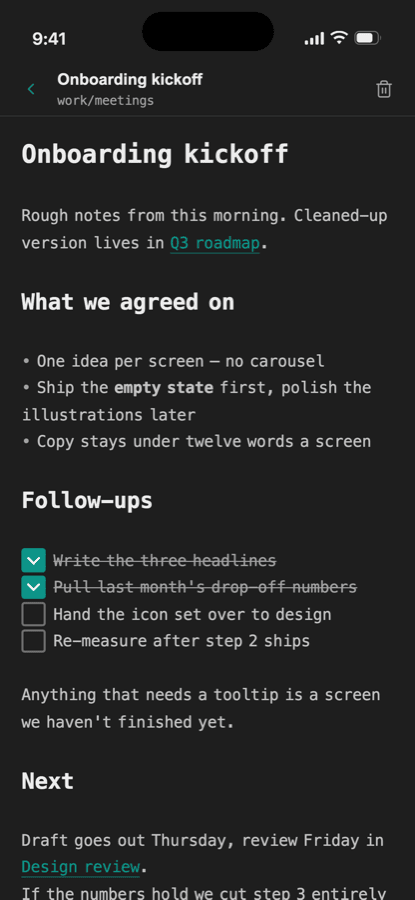
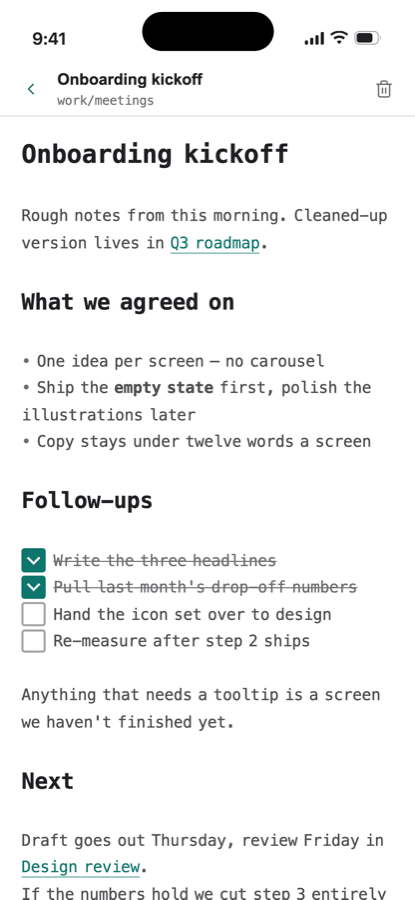
One note, both screens — edits replicate as soon as you stop typing.
What it does
Plain markdown
Your notes are just markdown. Live preview renders headings, lists and checkboxes inline while you type — no mode switching.
Wikilinks
Type [[note name]] to link notes together. Click through to follow, and links keep working as your vault grows.
Full-text search
Search every note from the sidebar. Results appear as you type, matched on both titles and body text.
Folder tree
Organize notes in nested folders. Collapse what you're not using; the tree remembers its shape between sessions.
Sync across devices
Point dol at your own CouchDB and edits replicate between machines automatically. Your credentials go in the OS keychain, not a config file.
Import and export
Bring an existing vault in as a zip of .md files, and take everything back out the same way whenever you want.
Before you install
Windows will warn you
dol isn't signed with a code-signing certificate yet, so Windows shows a blue “Windows protected your PC” screen the first time you run the installer.
- Click More info
- Click Run anyway
Sync needs your own server
Notes sit on your machine and go nowhere on their own. Syncing between devices means pointing dol at a CouchDB database you own — the setup guide walks you through it in about five minutes.